How do I add my business, when will it go live?+
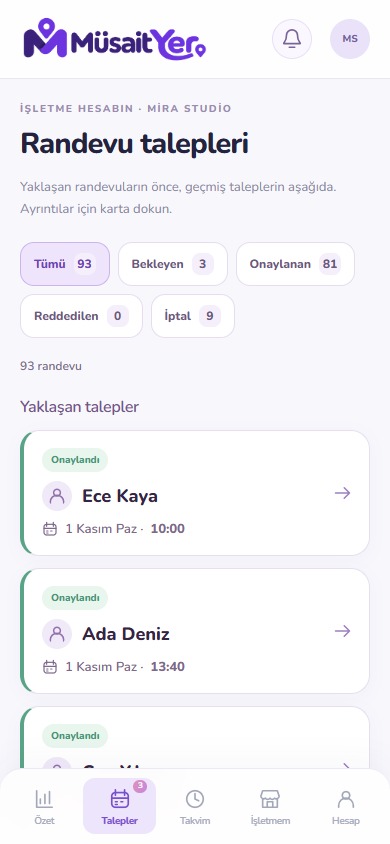
Create a business account in the mobile application; Send your application by adding your information, location and required documents. Follow the review result. After approval, complete the service, personnel and working order and publish your profile.
When does the free tier start?+
The first 2 months of free usage starts when your business profile goes live. Afterwards, you can continue through subscription options. Current conditions are shown in the app.
If I have three staff, can three appointments be made at the same time?+
Each staff member's calendar is evaluated separately. Separate appointments may be possible at the same start for different personnel who can provide the service and are available at that time. The same staff's occupied hours cannot be re-selected.
How to arrange 1 hour for astroturf pitch and 45 minutes for maintenance service?+
You enter the duration of each service separately. You can leave the starting interval automatic according to the service period or choose an interval suitable for your business. If you want, you can add preparation time between appointments.
Can I add the phone appointment here?+
Yes. Select customer name, service, personnel and appropriate time with Add appointment manually from the calendar. Registration consists of approved; No customer account is created and no phone notification is sent to this manual registration.
Does adding an appointment with a microphone create an automatic recording?+
No. What you say is put into form; Selection is requested for unspecified service, staff or hours. You check the final summary and press the save appointment button. Voice recognition quality depends on the device and environment.